How to Use the Beautify Platform as a Community Leader
By: Beautify Team
Date: Jun 23, 2020
Read Time: 2 min read
The Beautify platform provides the tools for easier, faster, aesthetic change that your organization is looking to make on your street, neighborhood, or city. Beautify is here to help you achieve that goal.
As a community leader/organization you are ultimately responsible for seeing that your community's artists and walls/projects are being represented on the platform for your community, as well as that projects are being completed. Let's get you started!
Platform Basics
Sign-up to the platform as a "community member/other" account type. This will provide the highest level of functionality to manage projects.
General Features
Dashboard
-
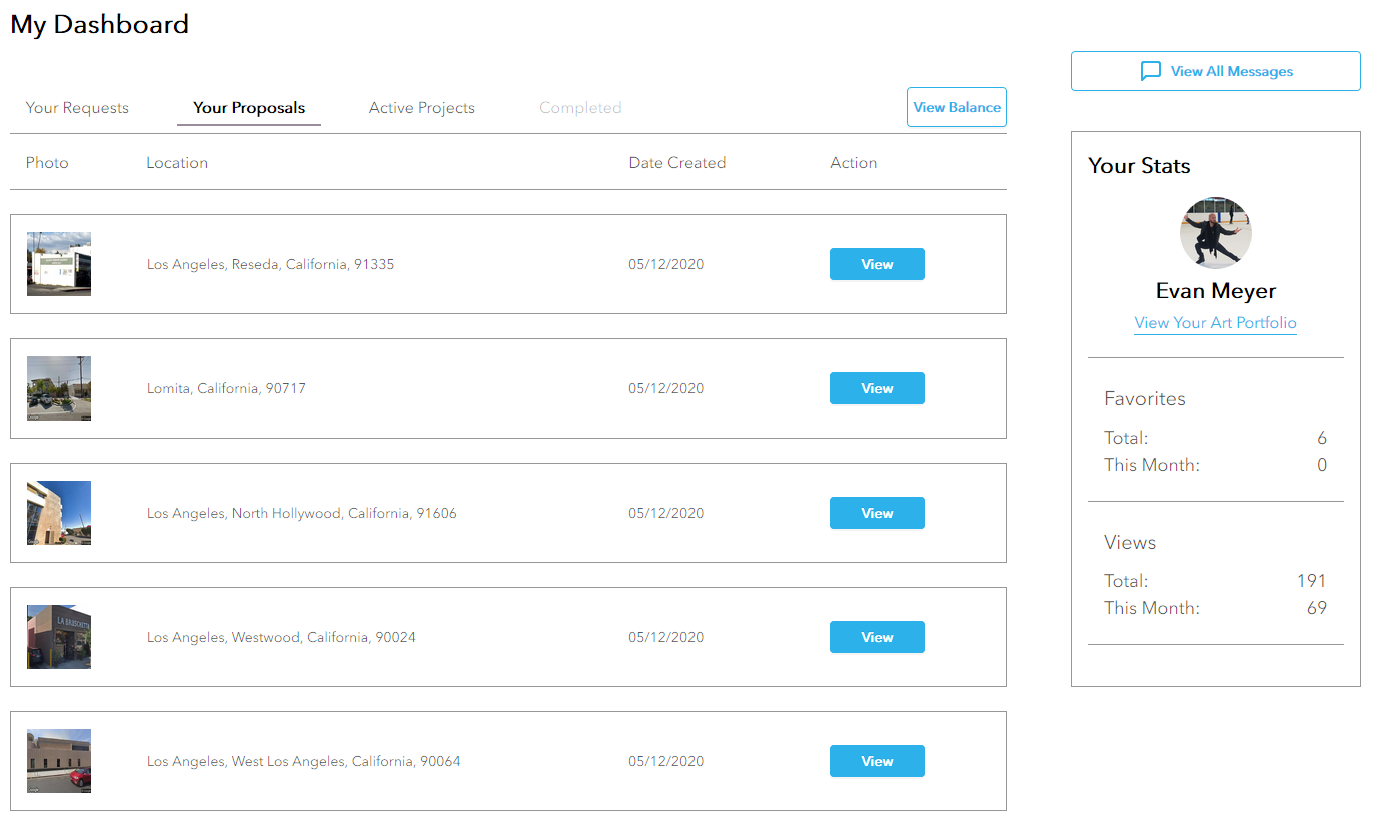
This is the central place to see all proposal requests and submissions, manage projects, and hire artists.
-
Proposals: You are able to view all proposals you request from artists as well as proposals artists submit for each mural project. Once you find the right artist for your project, hire them directly on the proposal page. This page also shows the remaining steps of completing the project.
-
Active Projects: View your active wall projects, communicate about the project & design, manage payments, and more all from the project pages.
Favoriting
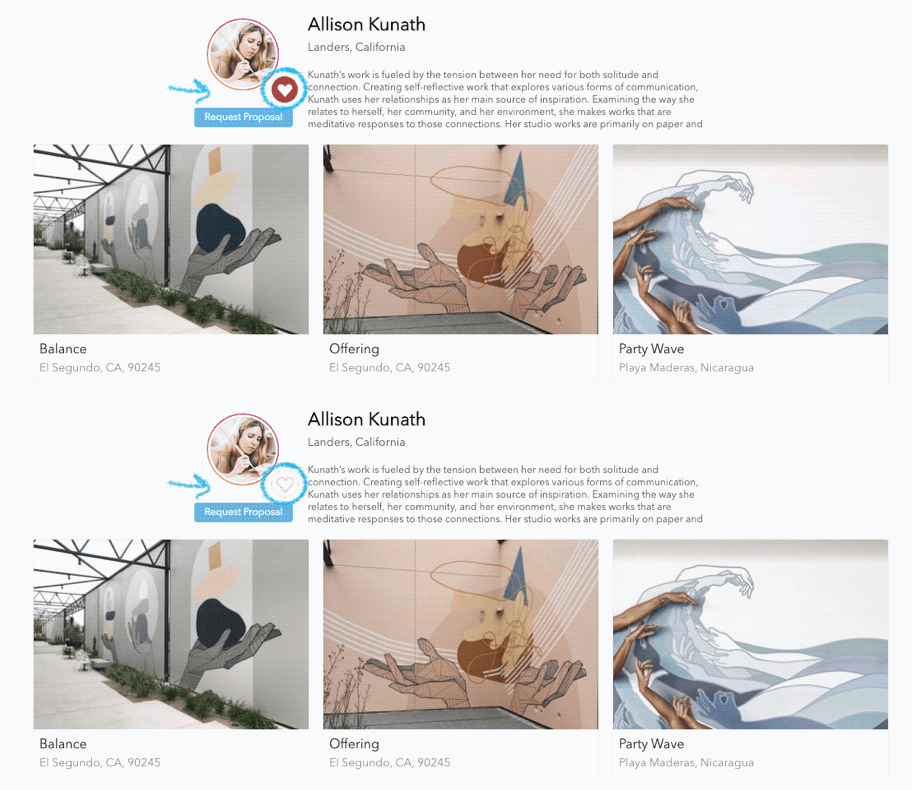
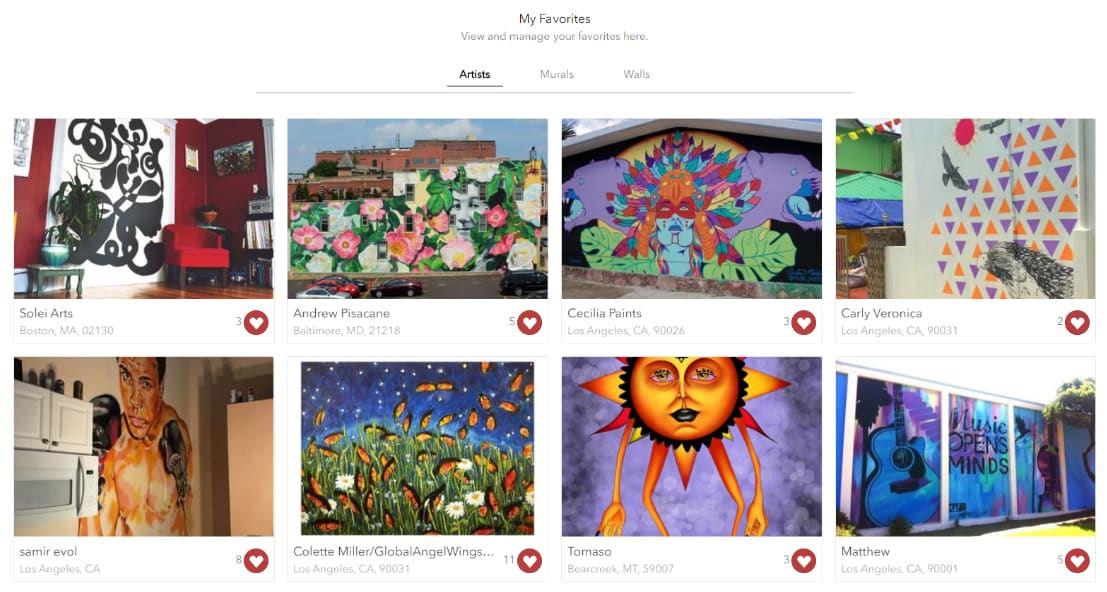
All artists, murals, and walls in the platform display a heart icon. If you click the heart, the item will be saved to your favorites for later review. This helps you take action on what you like most so you don't have to find it again by searching.
Wall Portfolio
-
You can add/manage all walls or projects here.
-
Any walls you would like to beautify can be uploaded here.
-
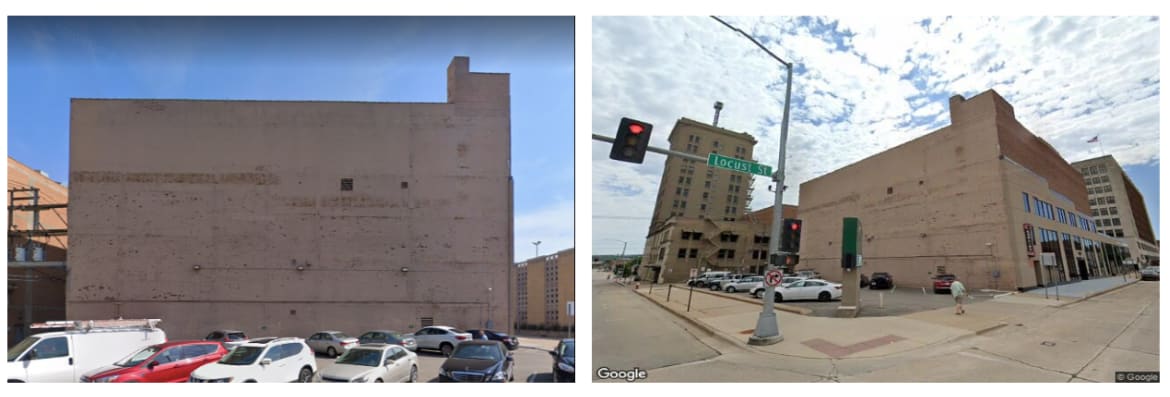
Make sure the map image or uploaded photo is a clear photo of the wall with some additional context so the entire wall and some of its surrounding can be seen. Here is an ideal combination of wall photos:
-
Each wall will be displayed in our wall database and will have a URL to share with your local artists for them to apply to. Great to share with the community to attract more artists and interest. Get creative!
-
All of your walls will display when users click your custom wall search URL or search within your community.
-
Each wall profile contains information for the artist about the project including the creative brief, dimensions, budget, etc.
Artist Portfolios
-
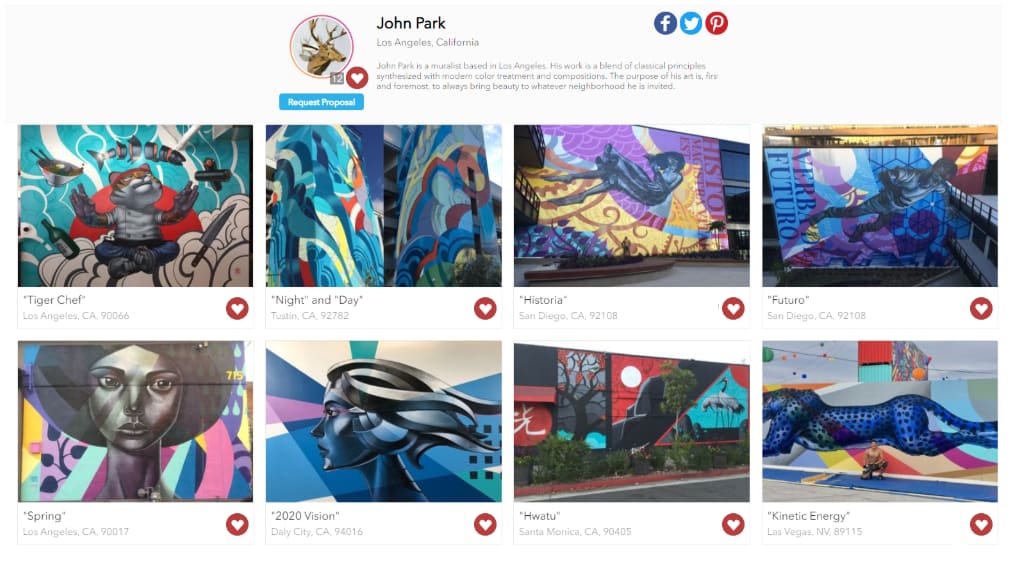
Artists can create their own portfolios for your organization to share with the community. The more content they add to their portfolios, the more engagement you will receive from the community, so encourage your artists to get creative!
-
Artist portfolios will also show when users click your custom artist search URL or search your community.
Guaranteed Success
Beautify is here for anything you need at all to make your project is a success. Something your looking for not listed above? Just call us or contact us through the site, or in the little icon on your screen!
- Resources